
PureMIDI
Detects pitch and timing from audio, video, or sheet music and exports an editable MIDI draft for your DAW. No subscription required.
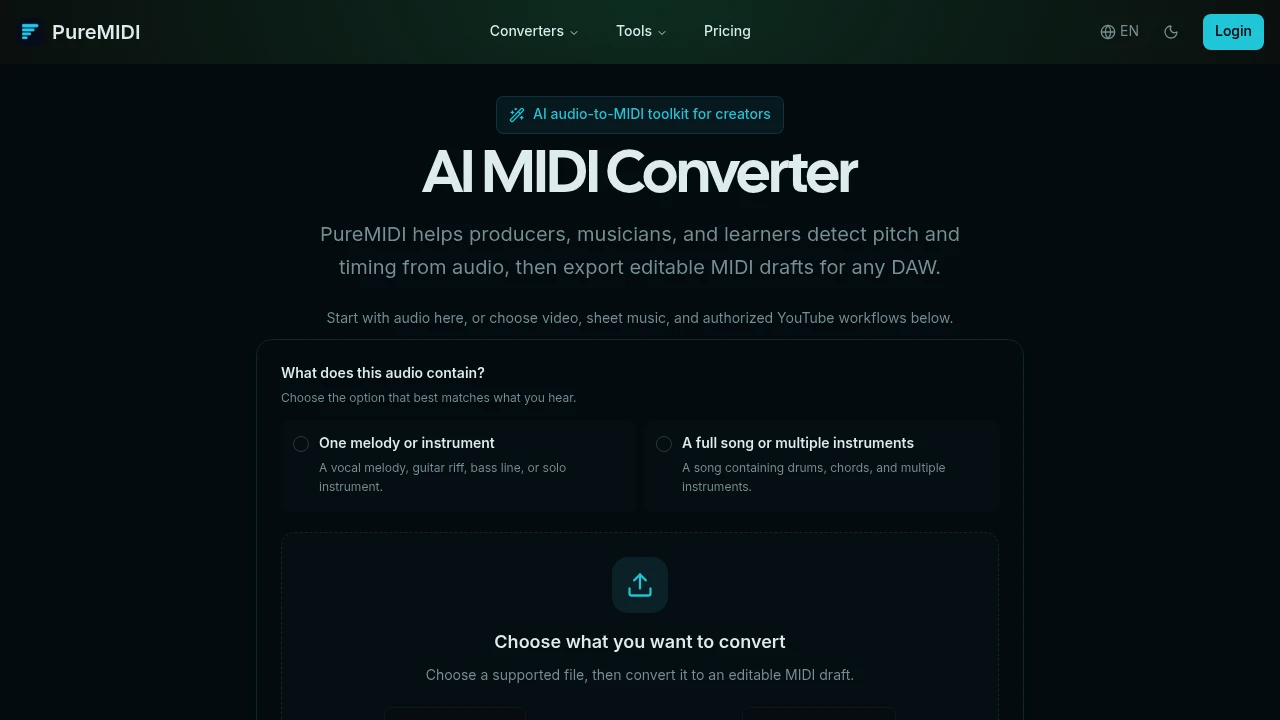
PureMIDI converts audio recordings, videos, and sheet music into editable MIDI files. It's a browser-based tool for producers, musicians, and students who want to transcribe a musical idea into a format they can use in any digital audio workstation (DAW) or notation software. You don't need to install anything.
The process is straightforward. You upload a file, tell the AI whether it's a single melody or a full song, and it transcribes the notes, timing, and structure. The result is a standard MIDI file you can download and refine. It's a starting point for your project.
PureMIDI handles several types of sources, each with its own workflow.
- Audio to MIDI: Converts common audio formats like MP3, WAV, and FLAC. It can isolate a single vocal or instrument line or create a multitrack draft from a complete song.
- Sheet Music to MIDI: Uses AI to recognize notes from PDF, PNG, and JPG files, turning a static score into playable MIDI.
- Video to MIDI: Extracts the audio from local MP4, MOV, or WebM video files for conversion.
- YouTube Conversion: Provides a workflow for authorized YouTube videos.
Instead of a monthly subscription, PureMIDI uses a credit system. You buy a pack of credits and only use them for successful conversions. This can be more cost-effective for occasional use. The company also states that it doesn't use your uploaded files to train its AI models and deletes them from its servers after a short period.
The final output is a standard .mid file. This means it's compatible with virtually all music software, including Ableton Live, Logic Pro, FL Studio, Pro Tools, Cubase, Sibelius, and MuseScore.

Similar to PureMIDI
 SparkReceipt — Every gig leaves a paper trail. Capture receipts on the road and keep your records tax-ready.
