MIDI From MP3
Convert MP3, WAV, and other audio files into MIDI right in your browser. Inspect the detected notes, split them by pitch, and download the result. No uploads.
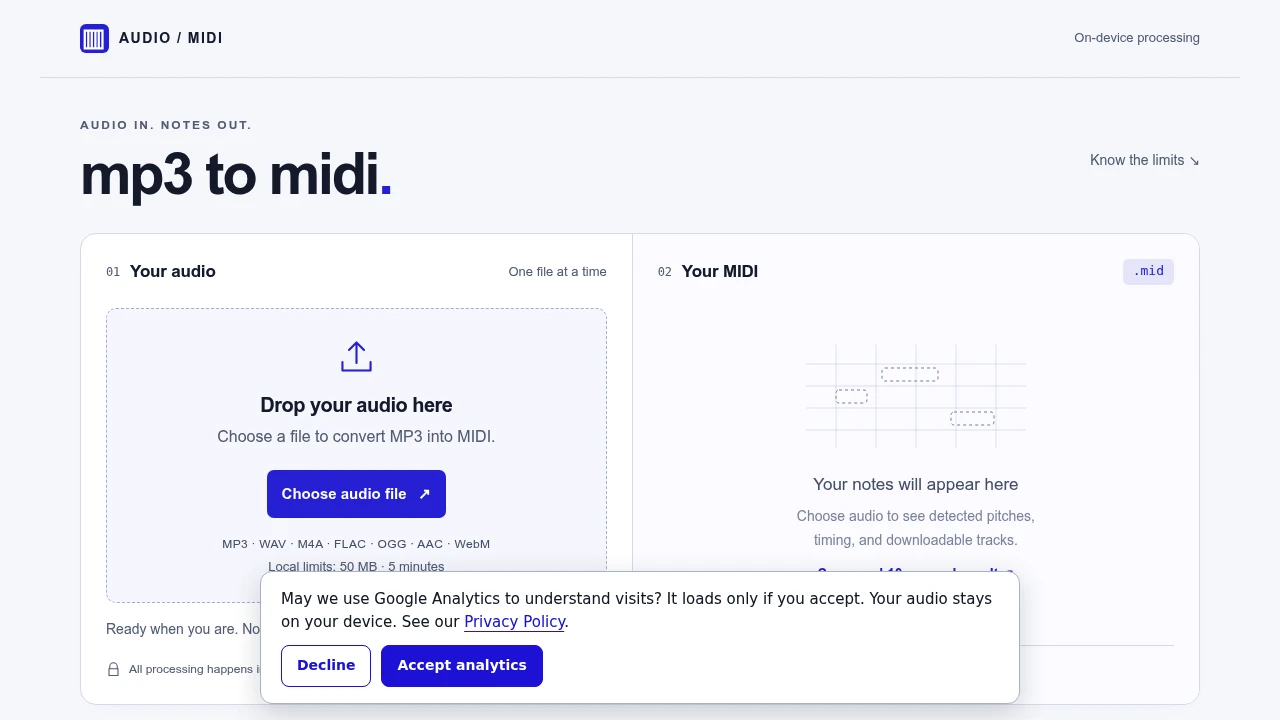
This tool converts audio files like MP3s into MIDI files. It's for musicians, producers, or anyone who needs to extract musical notes from a recording for editing or analysis. The entire process happens locally in your web browser. Nothing is ever uploaded to a server.
You can choose an audio file from your device or record up to 30 seconds of audio directly. It works best with recordings of a single, isolated instrument. The tool analyzes the audio and transcribes the pitches, timing, and estimated velocity of the notes it detects. It's a quick way to get a musical transcription started.
The converter offers several key features:
- Local processing: Your audio files are never sent to a server, ensuring privacy.
- Note inspection: Before downloading, you can see all the detected notes laid out on a piano roll-style display.
- Pitch-range tracks: The MIDI file is automatically split into two tracks, one for lower notes and one for higher notes. This is a simple pitch split, not instrument separation.
- Adjustable tempo: You can set the MIDI tempo from 20 to 300 BPM before exporting the file.
- Broad file support: It accepts common formats like MP3, WAV, M4A, and FLAC, though support depends on your browser.
The transcription is a starting point. It is not perfect. Complex songs with many instruments, reverb, or quiet notes can result in missed or extra notes. The tool doesn't transcribe drums, separate different instruments, or capture performance details like sustain pedal or pitch bends. You'll need to review and edit the final MIDI file in your own music software.

Similar to MIDI From MP3
