
Mp3towavconvert
A free online tool to batch convert MP3 files to WAV. Your audio is processed on your device, so nothing is uploaded and your files remain private.
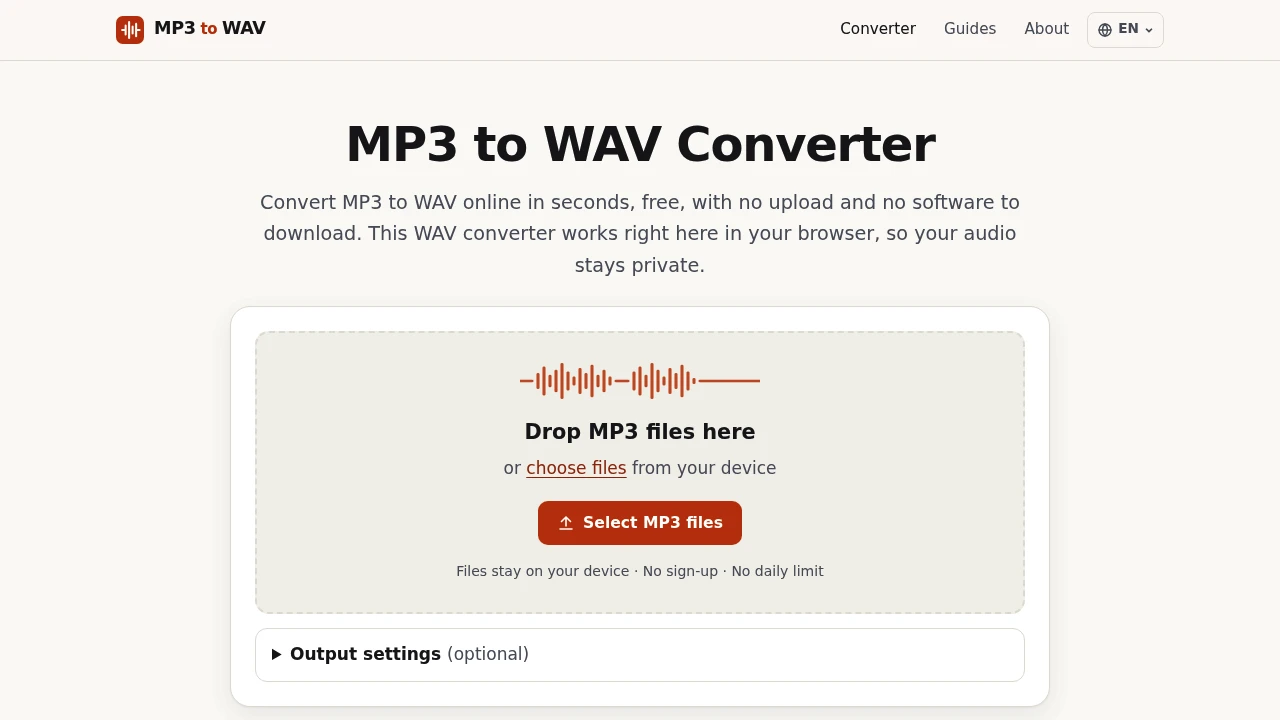
This tool converts MP3 audio files to the WAV format. It's for anyone who needs to use their audio in software that works best with uncompressed files, like digital audio workstations or video editors. The entire conversion process happens in your web browser. Your files are never uploaded to a server, which makes it fast and private.
MP3s are small, but they are a compressed format. Many professional tools expect uncompressed WAV files for editing, mixing, or mastering. Converting an MP3 to WAV won't restore lost quality, but it creates a file that won't degrade further with each save and is compatible with virtually all audio software.
Its design focuses on privacy and convenience.
- Completely private: Your audio never leaves your device. Nothing is uploaded.
- Batch processing: Convert multiple files at once and download them all in a single ZIP archive.
- Flexible output: You can control the output settings, including sample rate (like 44.1 kHz for CDs or 48 kHz for video), bit depth (16-bit, 24-bit, or 32-bit float), and channels (mono or stereo).
- No restrictions: The converter is free to use without sign-ups, watermarks, or daily limits.
Unlike many online converters that require you to upload your audio, this tool uses your browser's built-in capabilities to do the work locally. This avoids the wait times for uploading and downloading. It also means you can safely convert sensitive recordings like interviews or unreleased music. Once the page loads, you can even disconnect from the internet and continue converting.

Similar to Mp3towavconvert
 SparkReceipt — Every gig leaves a paper trail. Capture receipts on the road and keep your records tax-ready.


