
Editable MIDI Workbench
Transcribe a hummed melody or instrument phrase into MIDI. Use the built-in editor to correct notes before you pay to export the file.
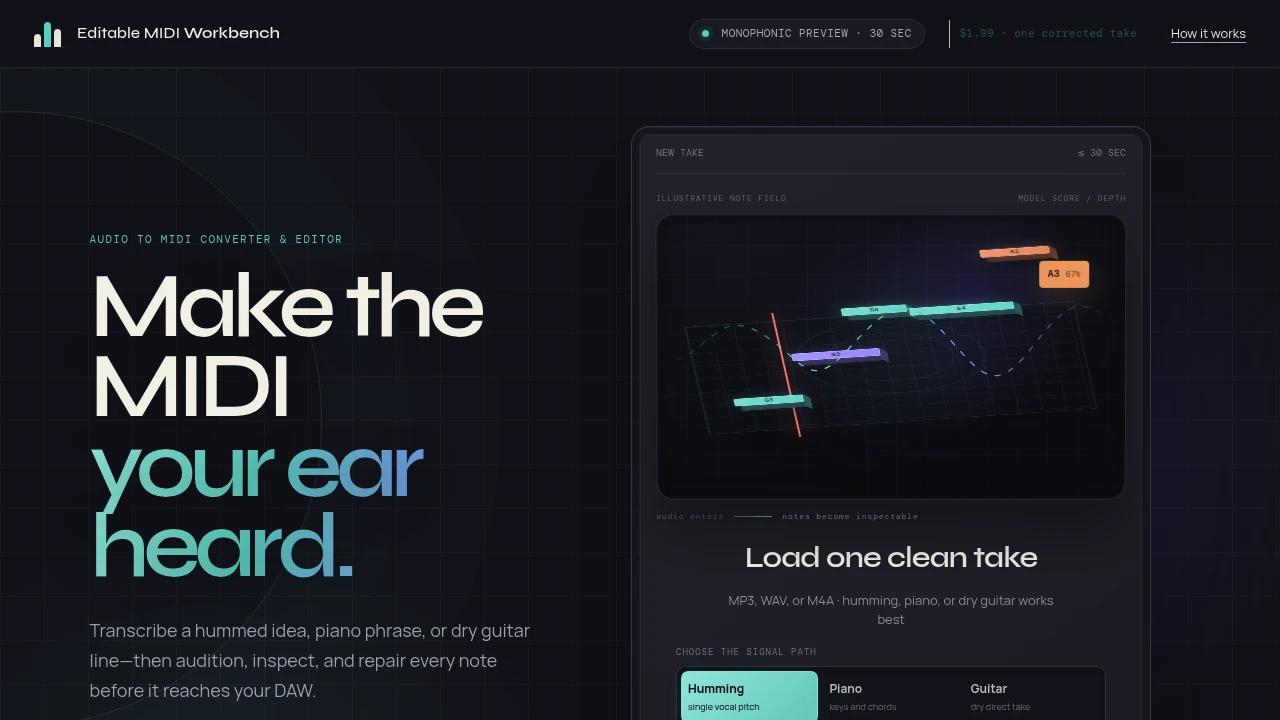
This tool converts short audio recordings into editable MIDI notes. It's made for musicians who want to transcribe a hummed idea, a piano part, or a guitar line and then clean it up before using it in a DAW. You get full control over the final result.
The process is transparent. It’s not a magic button that gives you a perfect file instantly. Instead, it provides an editing loop. You upload your audio, see the tool's transcription, and then use your own ears to make corrections. You can listen to the original clip and the new MIDI side-by-side to find and fix any mistakes.
The workflow is straightforward.
- Upload audio: Start with a clean MP3, WAV, or M4A file that's 30 seconds or less.
- Inspect and edit: Use the piano roll editor to adjust the transcription. You can move, resize, delete, and add notes. Quantize and transpose functions are also available. All editing is free.
- Export the MIDI: When the notes are correct, you can pay a small one-time fee to download a standard MIDI file and a CSV of the note data.
For the best results, use a clear, solo recording. The tool is designed for single vocal lines or unaccompanied instruments. Full mixes with multiple instruments, reverb, or background noise can cause errors in the transcription.
There is no subscription. You can analyze and edit as many takes as you want for free. You only pay when you're ready to export a finished MIDI file.

Similar to Editable MIDI Workbench
 SparkReceipt — Every gig leaves a paper trail. Capture receipts on the road and keep your records tax-ready.


