
myaudiotools
A collection of free, in-browser tools to edit, convert, analyze, and create audio. No software installation or account is required to get started.
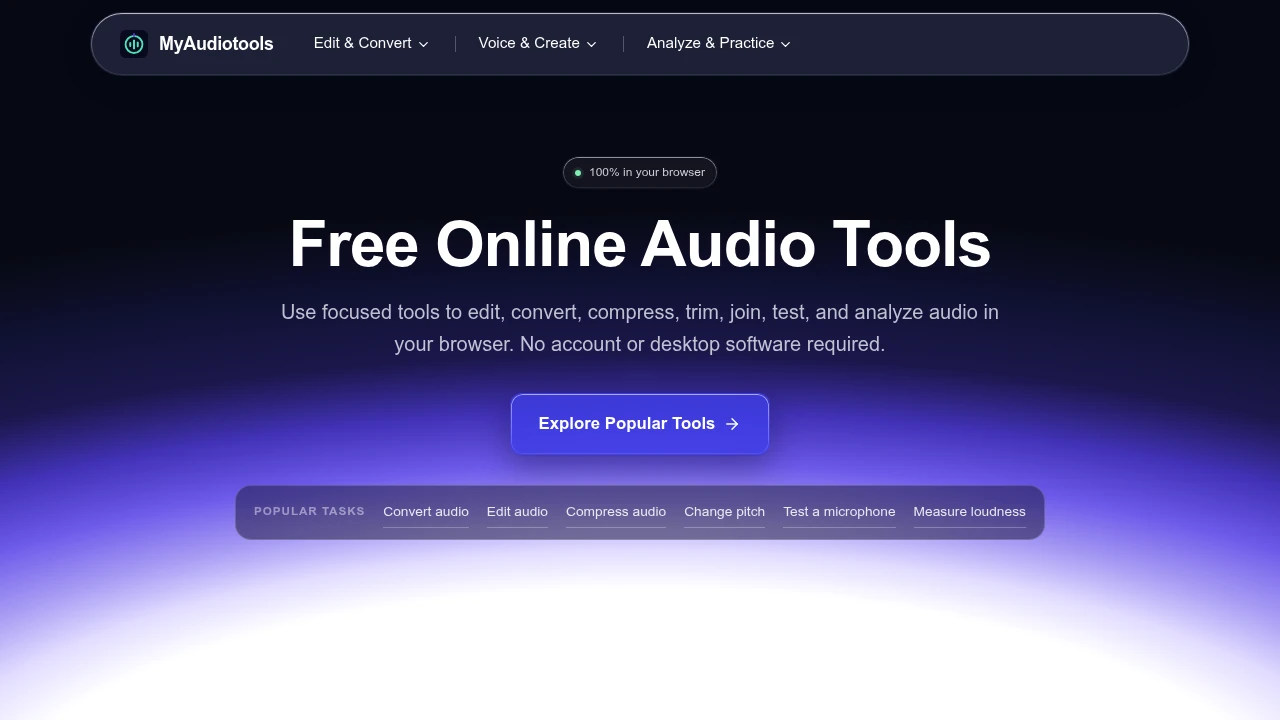
MyAudiotools offers a collection of free, single-task audio utilities that run in your browser. It’s designed for anyone who needs to quickly solve a specific sound-related problem without installing or learning a complex editing suite. This is for musicians, podcasters, and students. You can handle common audio jobs right away.
The tools are organized by task, letting you focus on one job at a time. Each one provides practical controls for a specific workflow.
- Edit and Convert: Cut, join, and trim audio files. You can also compress files to reduce their size, normalize volume, and convert between common formats like MP3, WAV, M4A, and FLAC.
- Voice and Creation: Generate speech from text, tune vocals, or transform voice recordings. There are also tools for making simple beats and creating reusable sounds.
- Analysis and Practice: Find the key, tempo, and chords of a song. Use the built-in tuner for instruments or test your microphone, headphones, and speakers for performance.
A key feature is its browser-based processing. When a tool supports it, your files are handled locally on your own device and are not uploaded to a server. This approach respects your privacy. You don't need an account or a subscription to use any of the tools. Just open a page and start working. The workflow is direct: choose a tool, select a local file or use your microphone, adjust the settings, and download the result.

Similar to myaudiotools


