
AudioTidy
A suite of free online tools to cut, convert, transcribe, merge, compress, and record audio files directly in your browser without creating an account.
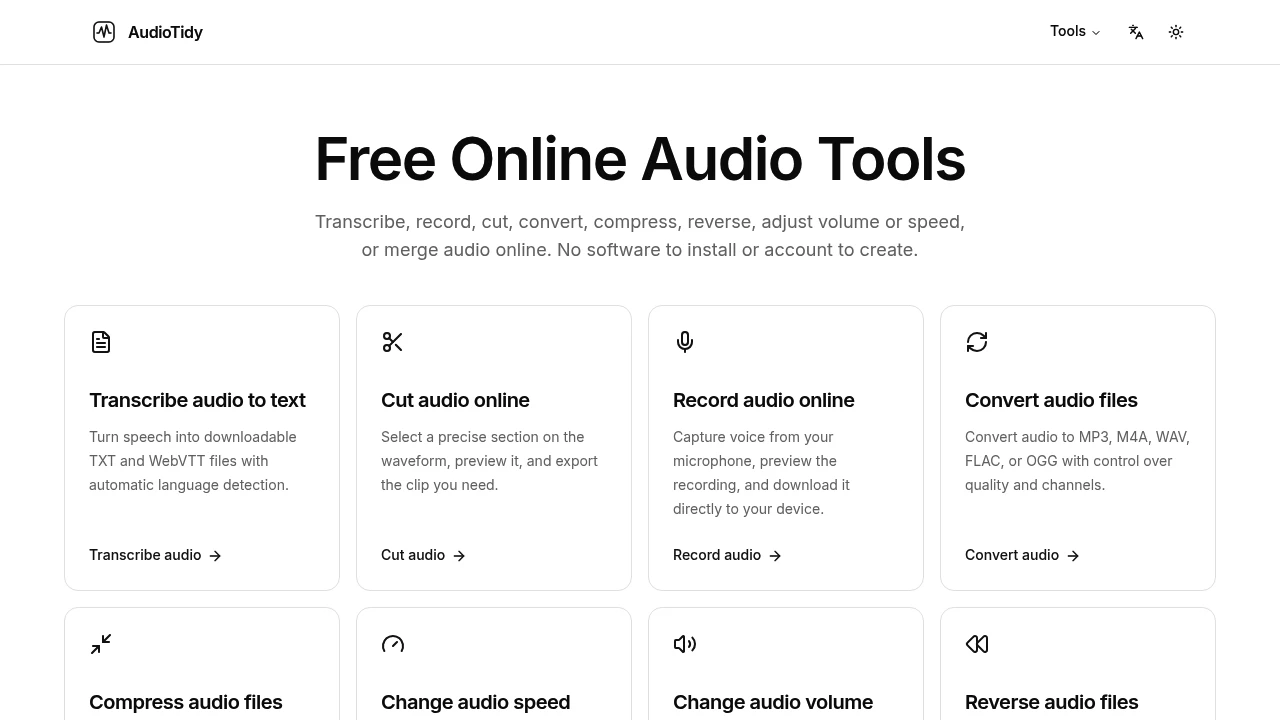
AudioTidy offers a collection of free, browser-based tools for common audio tasks. It's designed for anyone who needs to make a quick edit without installing or learning a complex audio editor. You just pick a tool, choose a file, and download the result. It's that simple.
The suite provides several single-purpose utilities for specific jobs.
- Transcribe audio: Convert speech into text, creating downloadable TXT and WebVTT files.
- Cut and merge audio: Isolate a specific section of a recording or combine several files into one.
- Record audio: Capture voice directly from your microphone and save it as a file.
- Convert and compress: Change a file's format to MP3, M4A, WAV, FLAC, or OGG, or reduce its size.
- Adjust playback: Change the speed or volume of a clip while maintaining its original pitch.
- Reverse audio: Play a recording backwards.
- Extract audio from video: Save the soundtrack from a video file.
Most of the tools process your files locally in your browser, so your audio never leaves your device. This focus on privacy means you don't have to upload sensitive recordings for simple tasks like cutting or converting. Only the transcription service requires a secure cloud upload, and it's clear about when that happens. You don't need to create an account to use any of the tools.
This makes AudioTidy a good fit for quick jobs on podcasts, interviews, or meeting recordings. You can easily create a highlight clip, transcribe a discussion, or extract the audio from a video lesson.

Similar to AudioTidy
 SparkReceipt — Every gig leaves a paper trail. Capture receipts on the road and keep your records tax-ready.

