How to Transcribe a Song by Ear: A Practical Guide
Learn how to transcribe a song by ear with short loops, pitch-preserving slowdown, and careful checks. Turn a recording into music you can confidently play.

Written by Kevin Christensen
Learning how to transcribe a song by ear starts with a small target, not a blank score and the whole recording on repeat. Pick one melody, bass line, or riff, then work out what you hear a phrase at a time.
You don't need software that promises a finished score. You need clear playback, a way to repeat short sections, and an instrument to check your guesses. The transcription tools category is a useful starting point. Here's a practical workflow for turning a recording into something you can play and explain.
Choose one part and map the recording
Transcribing means working out music from a recording so you can play it, write it down, or both. Decide which result you need before you start: a melody for your lesson, a bass line for rehearsal, or chord changes for a cover.
For a first attempt, choose a short phrase with a clearly audible lead part. Save dense arrangements and fast solos for later. Listen once without trying to name every note, then mark where the verse, chorus, and any repeated sections begin.
That map gives you another place to listen when a detail is unclear. A guitar fill buried under the vocal in one chorus might be easier to hear in the next. Seventh String's transcription guide recommends mapping the form and starting with prominent single-note parts before tackling inner chord voices.
Keep the original recording unchanged. If you're using playback software, start with an audio file you have permission to use and that the app supports. Don't assume a streaming subscription gives another app access to its tracks.
Loop a phrase, sing it, then find the notes
Choose a loop long enough to include the phrase's pickup and ending. A single beat may reveal a note, but it can hide where that note belongs in the music.
Try this sequence:
- Listen at normal speed. Notice the phrase's shape and where it lands against the beat.
- Sing or hum it back. Approximate the contour first, then refine the pitches.
- Find one secure note on your instrument. Use it as an anchor for the notes around it.
- Slow the loop if needed, keeping pitch unchanged. Use only as much slowdown as helps.
- Play your version against the recording. Check the start, direction, and ending before moving on.
Separate rhythm from pitch when you get stuck. Tap the pulse and clap the phrase, then return to the notes. If you can find the pitches but keep entering late, more pitch guessing won't solve the timing problem.
Don't treat extreme slowdown as a clearer version of reality. Return to normal speed to check attacks and phrasing.
For focused listening exercises between transcription sessions, see our guide to the best ear training apps. Use drills to support the musical problem you're working on, rather than replacing work with real recordings.
Build harmony from notes you can actually hear
Once you have a melody or riff, listen separately for the bass. Note when it changes and compare those moments with the melody. Then try to hear a clear upper note in the accompaniment.
Treat those notes as clues, not a complete chord label. The bass can play a chord's root, but it can also play another chord tone or a passing note. Don't turn every bass note into a new chord.
For example, if you hear C in the bass and E above it, test possible harmonies against the rest of the phrase instead of writing "C major" immediately. Listen for the remaining notes and compare repeated sections.
Mark uncertain spots with a question mark and a timestamp. "Bass clear; chord quality uncertain at 0:42" is more useful than a confident label you haven't checked. If your goal is a playable band chart, settle the main changes before chasing every decorative note.
Pick playback tools, not an automatic answer
Choose software around the controls you need. For this workflow, looping and pitch-preserving slowdown matter more than a long feature list.

Learn music by ear with a specialized player. Slow down audio without changing pitch, analyze chords, and loop sections. Supports video and foot pedals.
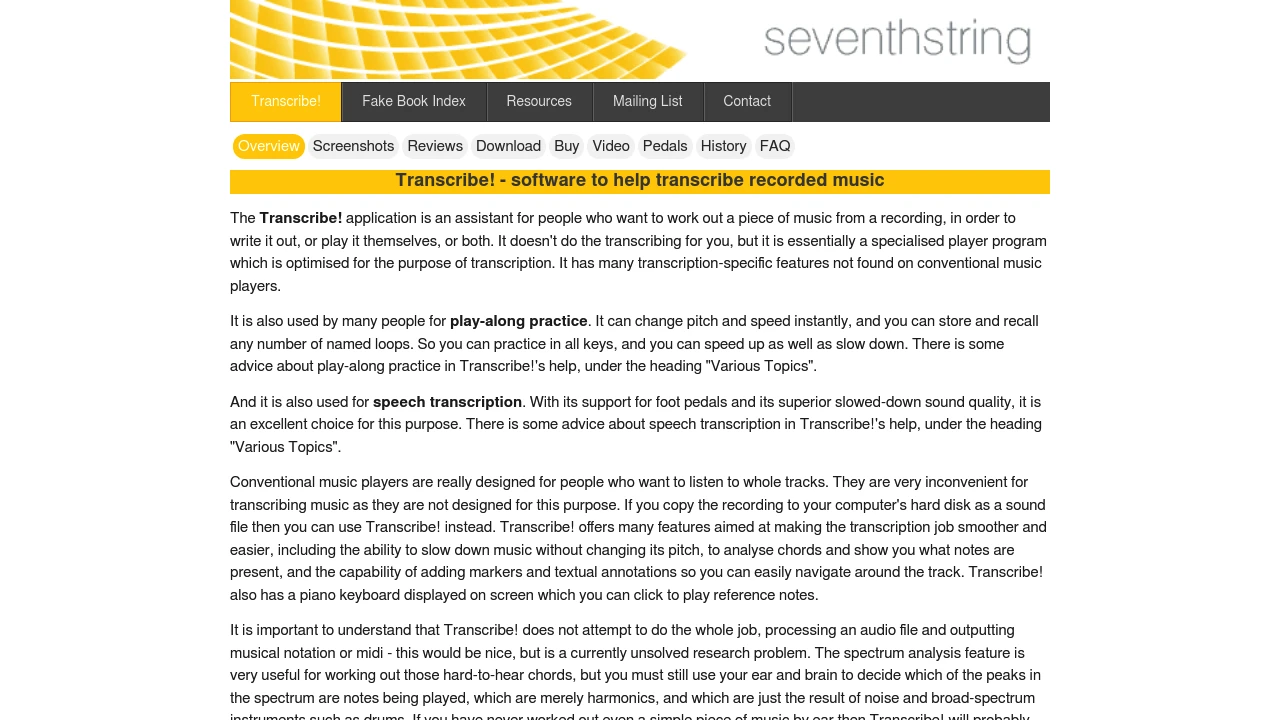
Transcribe! combines pitch-preserving slowdown with saved loops, markers, and note and chord guesses. It suits detailed listening work, but its guesses are clues to check, not a finished transcription.
Seventh String describes Transcribe! as a transcription assistant, not a program that does the work for you. It offers a time-limited evaluation, so don't mistake it for permanently free software.
Slow down any piece of music without changing its pitch. Isolate tricky sections, loop them, and adjust the speed to learn or transcribe songs with ease.
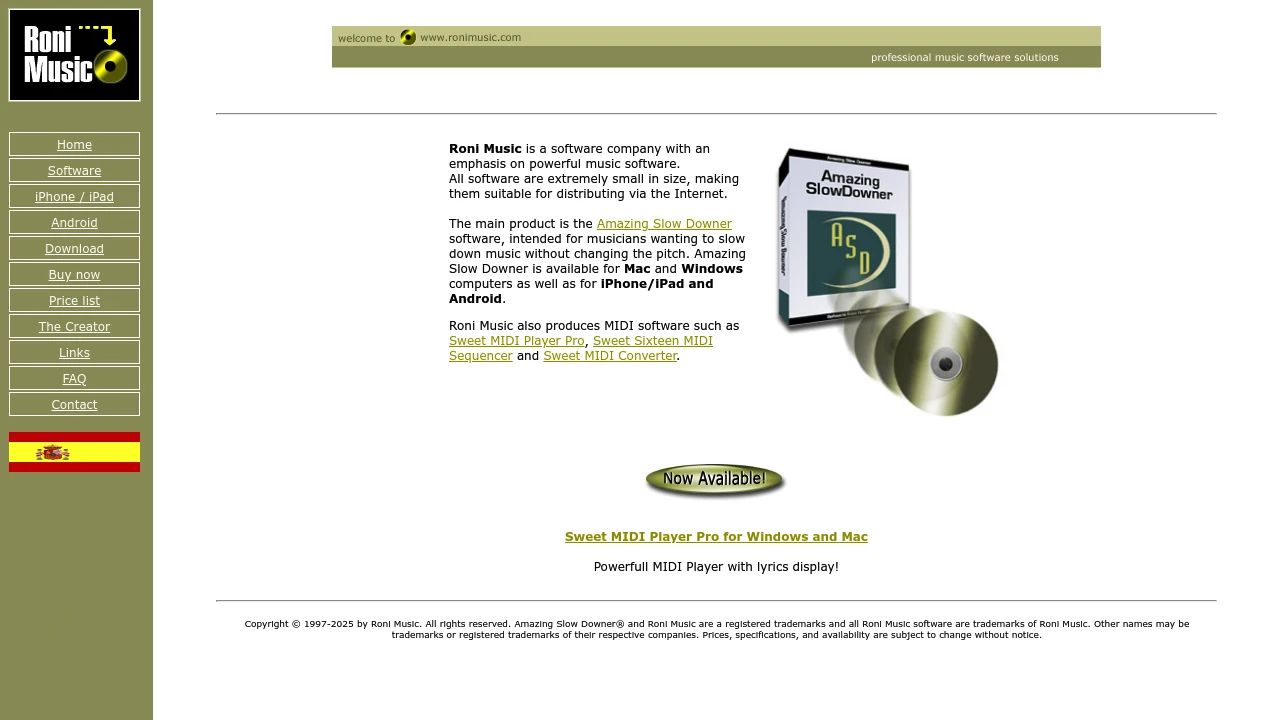
Amazing Slow Downer lets you slow down music without changing its pitch and loop a selected passage. Use it to repeat a difficult phrase while you work out the notes on your instrument.
For browser-based practice or help hearing a buried part, these options offer different ways into the same listening workflow:

Loop and slow down YouTube videos or your own recordings. The app saves your loops, speed, and automatically tracks your practice progress.
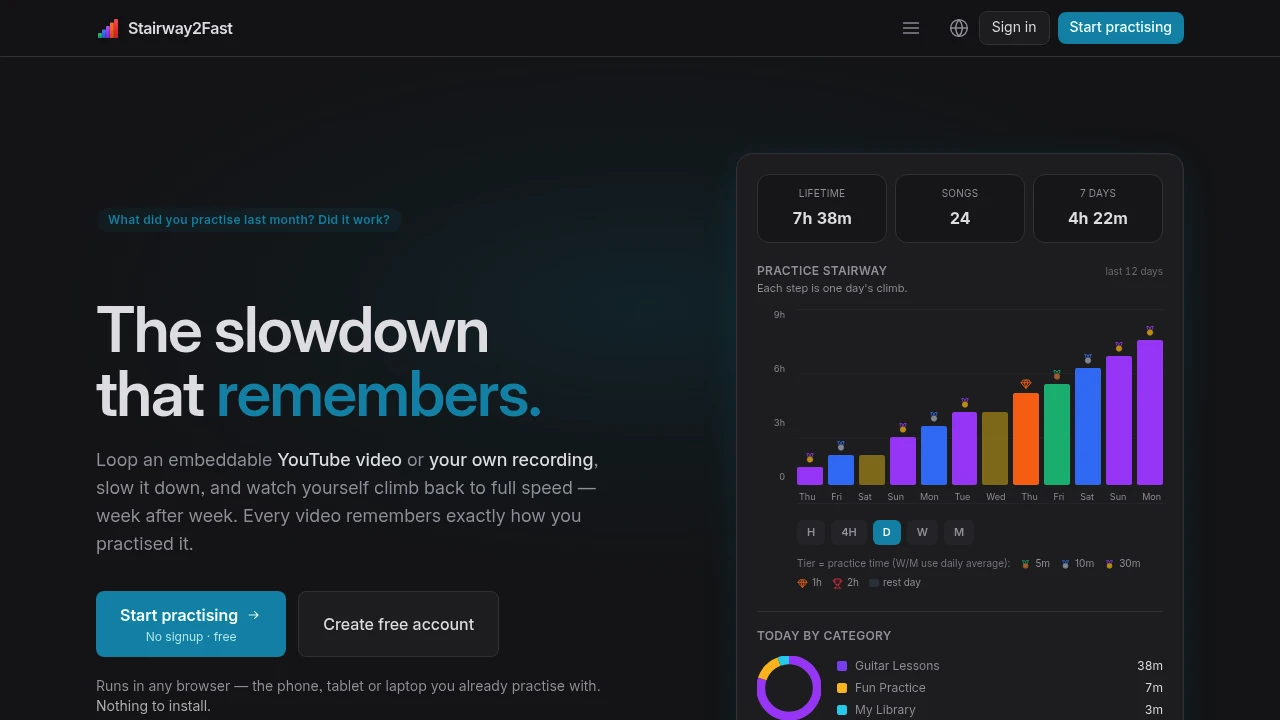
Stairway2Fast loops and slows down embeddable YouTube videos or your own audio and video files while preserving pitch. Save named loops and return to the same passage and speed next session. Its practice history helps you keep track of the sections you've worked on; adding your own files requires a free account.

Slow down songs, add reverb, and change pitch directly in your browser. Process audio files on your device and download them as MP3 or WAV.
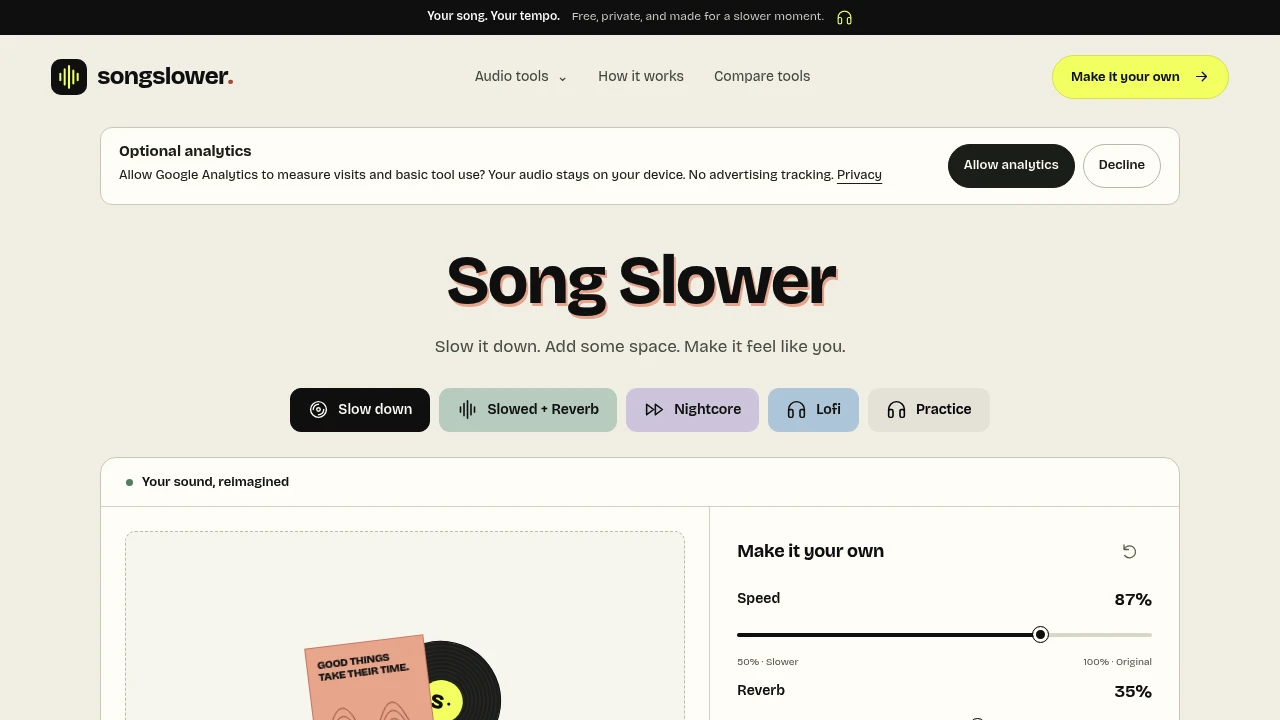
Song Slower is a free, no-signup browser option for local audio files, with pitch-preserving slowdown and section looping. For transcription, leave pitch shifting off and reverb at zero so you can compare the notes with your instrument. Audio processing stays on your device, and you can export a practice excerpt as MP3 or WAV.

Practice music with AI. Remove vocals, isolate instruments, change pitch and speed, and detect chords in any song. The ultimate immersive practice experience.
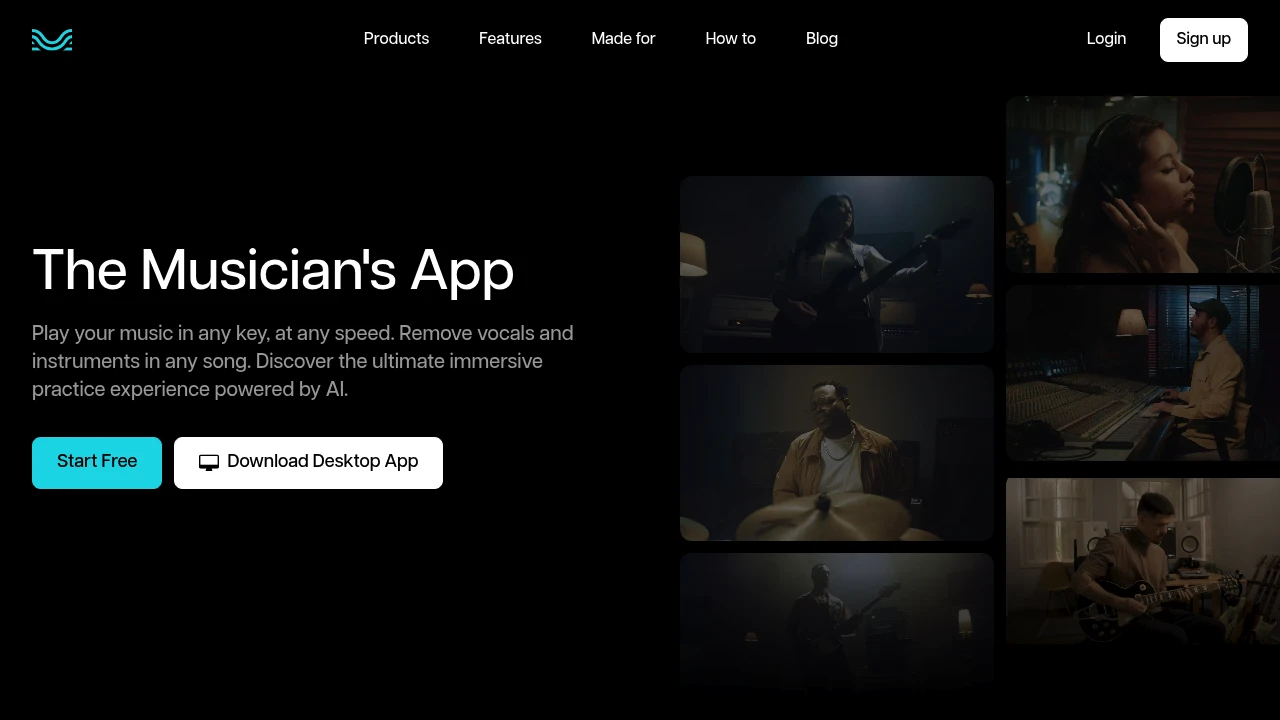
Moises is useful when the part you want to transcribe is buried in a full mix. Separate the recording into stems, then solo the bass or another instrument to hear its line more clearly. Its speed changer and chord finder can support your listening, but check suggested chords and isolated details against the original recording. The free tier has upload and feature limits.
Whichever tool you choose, finish by playing the phrase from memory, then compare it with the original at normal speed. Save your notes with the recording version and timestamps so you can find the same passage next time.
Start with one phrase you can verify rather than a whole song full of guesses. Add the next phrase when the first makes musical sense. For help fitting that work into a repeatable session, use our music practice guide. The useful result isn't a perfect-looking page: it's music you can hear, check, and play.