Royalty-Free Samples: A Practical Guide to Safe Releases
Learn how royalty-free samples work, check licenses, save proof, and understand Content ID limits. Use this practical checklist before your next music release.

Written by Kevin Christensen
A drum loop can help you finish a song. An unclear license can leave you unsure whether you can release it. Royalty-free samples are sounds you can use under a license without paying ongoing royalties for the uses that license permits. That doesn't mean every use is allowed, or that you own the sound exclusively.
Before you build a track around a downloaded vocal, beat, or texture, check what you're actually allowed to do with it. This guide explains the key terms, shows how three libraries handle permissions, and gives you a simple release checklist. You can explore our samples and sound libraries category alongside it.
What royalty-free samples do and don't mean
Think of a sample license as permission to use an ingredient, not ownership of the ingredient itself. You might be allowed to build a commercial recording around a loop without being allowed to sell that loop in your own sample pack.
Keep these terms separate:
- Royalty-free: the permitted use doesn't require ongoing sample royalties under that license. You may still pay to acquire the sound.
- Non-exclusive: other musicians can license and use the same sound.
- Free download: the file costs nothing to download. You still need to read its permissions.
- Attribution: the license may require you to credit the creator.
For example, Splice's licensing FAQ says its downloaded Sounds are royalty-free and non-exclusive. It permits commercial use within its terms, but doesn't allow redistribution of those Sounds as samples or loops.
That distinction matters when you're making products for other musicians. Releasing a song and selling a construction kit are different uses. Don't assume permission for the first covers the second.
This is practical guidance, not legal advice. For a disputed sample, valuable commission, or unclear contract, ask the provider or a qualified adviser about your specific use.
Read the license before choosing the sound
Start with the library's official license, then check whether the individual sound has its own terms. These examples aren't a ranking. They show why the download page alone isn't enough.

Explore a vast library of royalty-free audio samples. Find your ideal sound quickly and easily with community-curated selections.
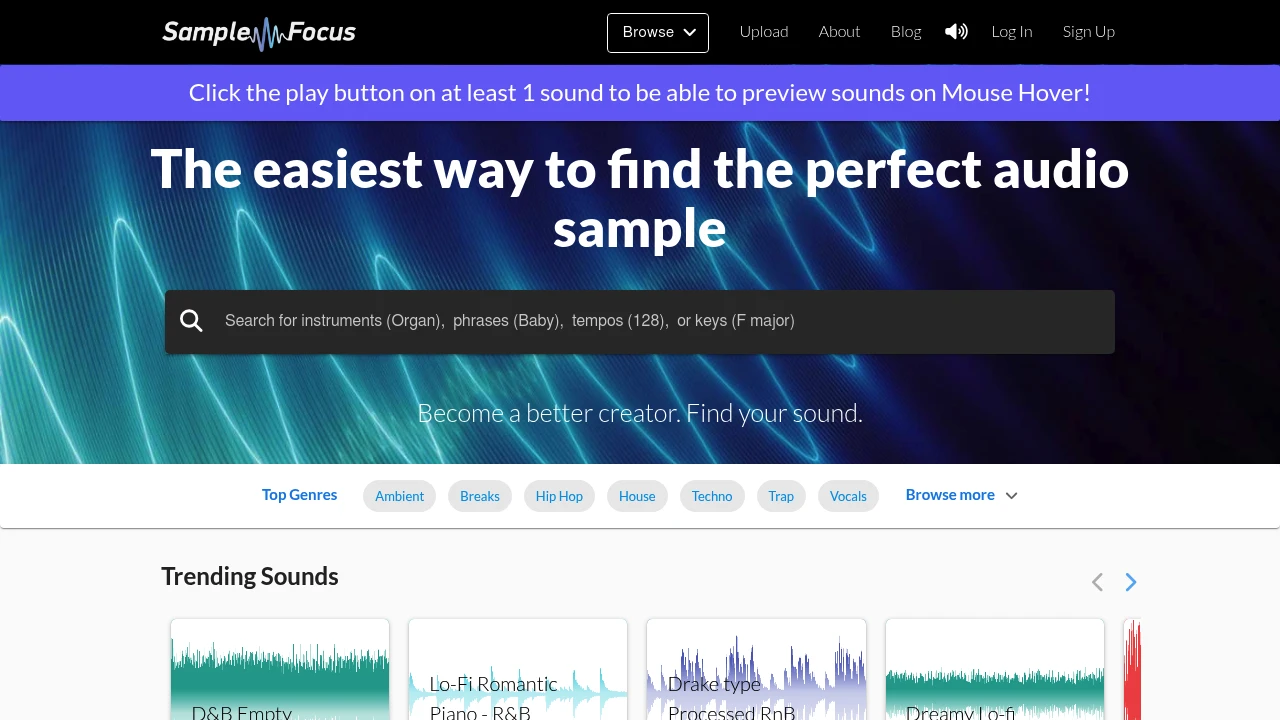
Sample Focus offers sounds under a standard license that permits use in new creative works, including commercial music. It's an option for producers who want to browse sounds while checking a single published set of license terms.
The Sample Focus Standard License grants non-exclusive, royalty-free use and says attribution isn't required. It prohibits selling or sharing the original sound by itself or in substantially the same form, and including it in a sample pack or similar product.
It also states that no review can rule out every third-party claim. Treat that as a reason to keep your records, not as a promise that moderation makes every release claim-proof.

Access millions of top-quality, royalty-free sounds and presets. Perfect for any DAW, with seamless integration and flexible plans.
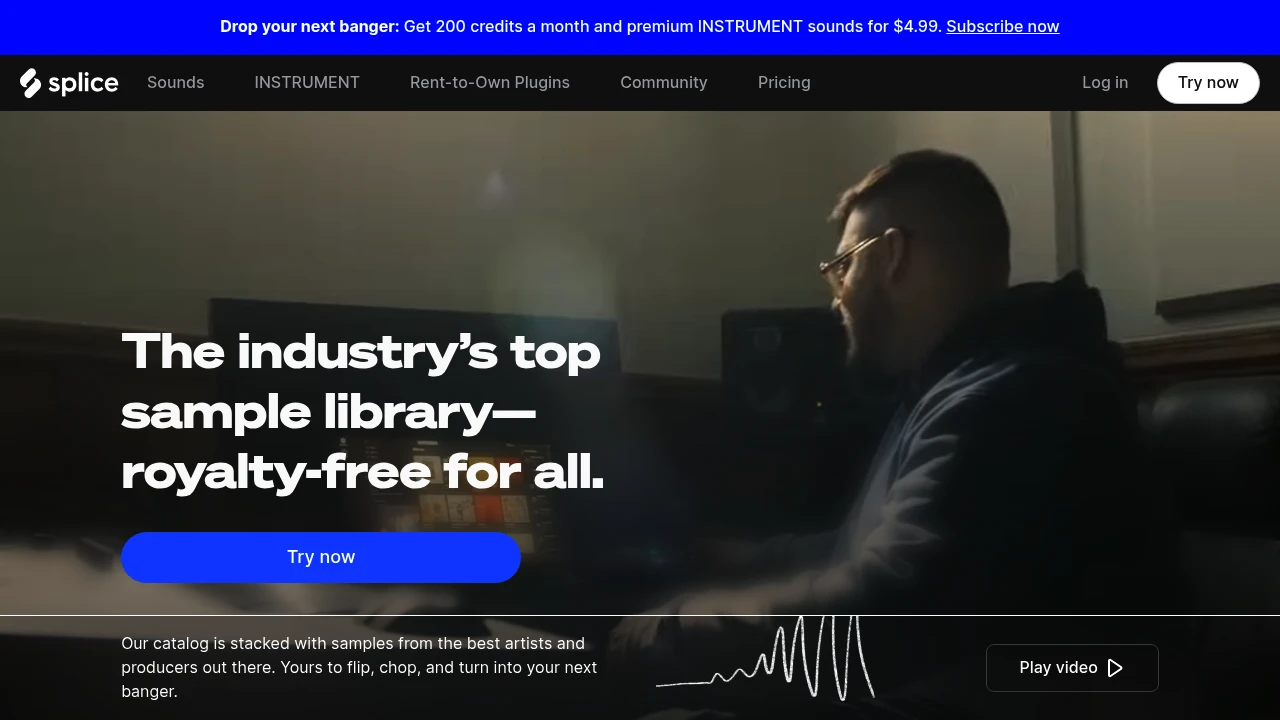
Splice licenses downloaded Sounds for commercial and non-commercial projects within its terms. Its certified-license download gives you a practical way to document which samples you've licensed for a release.
Splice's FAQ explains that you can generate a certified license from Your Sounds. It also says downloaded Sounds remain covered by the license granted at download after you cancel or pause a subscription. Keep the certificate with your project rather than relying on your account remaining convenient to access later.

Explore a vast library of Creative Commons sounds for musicians and sound enthusiasts. Discover, share, and create today.
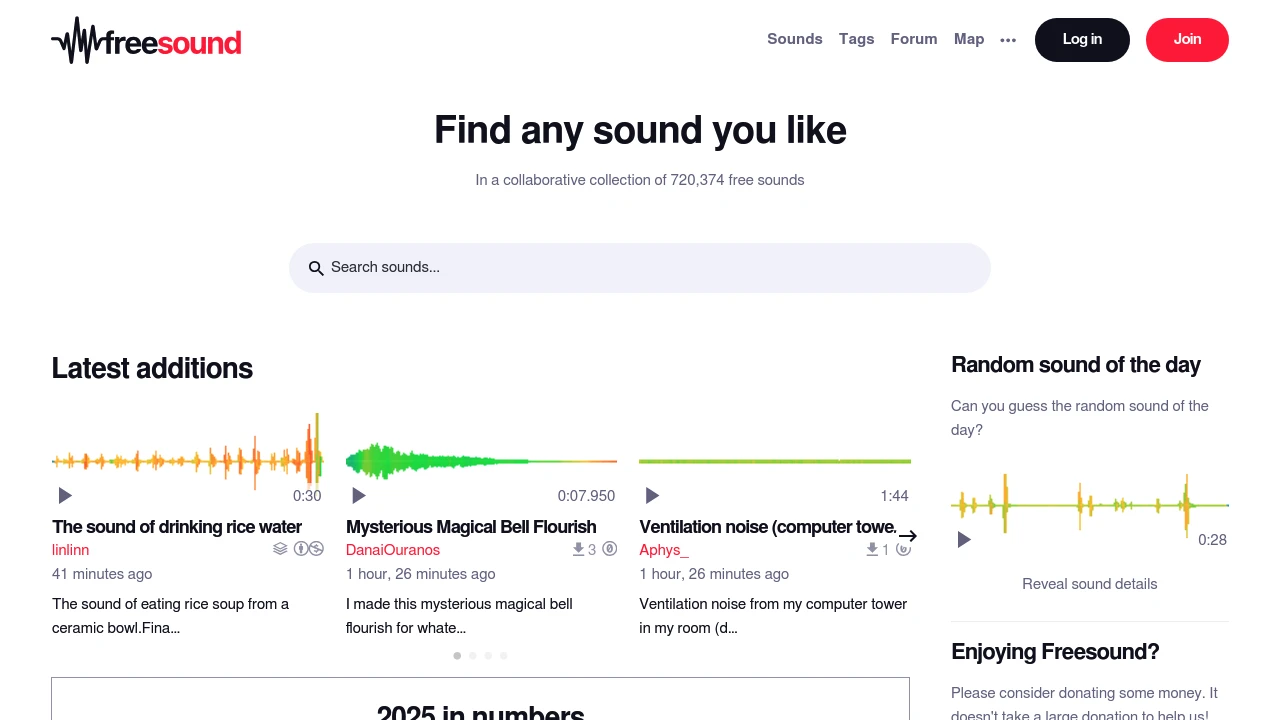
Freesound provides a collaborative collection of sounds released under Creative Commons licenses. Check the license on each sound before using it, especially when you plan a commercial release.
The Freesound FAQ makes clear that some sounds can't be used commercially and many require credit. Don't treat every file in a free library as having the same permissions.
Whatever library you choose, answer three questions before committing to a sample: Can I use it in this project? Must I credit anyone? What can't I do with the file?
Keep a sample record inside your project
A folder full of audio files isn't a license record. Give each project a short sample log so you can connect every downloaded sound to its source and permissions.
Use a spreadsheet or text document with these fields:
- Original filename and the name used in your session.
- Library, creator, and source-page URL.
- Download date and purchase or download record, where available.
- License URL and a saved copy of the applicable terms.
- Any required credit text.
- Certificate or written permission, if supplied.
For example, suppose a singer sends you a session containing a vocal chop called hook-final.wav. Ask for its original filename, source, and license before you build the chorus around it. A renamed file tells you nothing about its permissions.
Keep the original file alongside your edited version. That makes it easier to identify the licensed sound if you later need to explain where it appears in your recording. Don't distribute that source folder to clients or collaborators unless the license permits the handoff.
Add the sample check to your music release management checklist, not just your final export routine. It's much easier to replace an unclear sound before everyone approves the mix.
Separate commercial release from Content ID eligibility
Permission to release a song isn't the same as permission to use every part of it as an automated copyright reference.
YouTube's Content ID rules require exclusive rights to reference material in the territories where ownership is claimed. They list non-exclusively licensed third-party content and production loops among examples that aren't eligible for use in or as a reference.
That doesn't mean a royalty-free sample automatically stops you from releasing music or earning money from an allowed use. It means you need to check the separate rules for automated claiming. Don't select a distributor's Content ID option merely because the sample license allows commercial releases.
Ask your distributor or rights administrator how it handles tracks containing non-exclusive samples and whether any material must be excluded from reference matching. Describe the sample honestly. Don't assume changing its pitch or tempo gives you exclusive rights to the underlying sound.
Splice also warns that a certified license can't guarantee your track won't be flagged by recognition technology. Keep proof ready, but don't mistake proof of permission for a guarantee against claims.
If you're choosing a delivery service, our music distribution guide explains the broader workflow. Check the service's current sample and Content ID rules separately before submission.
Run a sample check before delivering the master
Use this short review when the arrangement is settled, while there's still time to replace a sound.
- Identify every third-party sample. Include vocal chops, drum loops, effects, and files supplied by collaborators.
- Match each file to a source. Resolve mystery downloads rather than guessing from a folder name.
- Read the applicable permission. Check commercial use, attribution, redistribution, and any project-specific restriction.
- Save the evidence. Keep receipts, license copies, certificates, and correspondence with the project.
- Check the destination's rules. Review the distributor, client, music library, or rights service requirements for the intended use.
- Resolve uncertainty before delivery. Get written clarification, replace the sound, or seek appropriate advice.
Be especially clear when selling a beat or delivering stems. A client receiving your finished recording is not necessarily receiving the right to extract and reuse every underlying sample. Explain which parts use third-party material and ask whether the proposed delivery fits both the sample license and your agreement.
You don't need a complicated database for a one-song release. You need a record another person could understand without opening your browser history or searching old messages.
Make licensing part of finishing your music
Royalty-free samples can be useful building blocks, but the label isn't a substitute for reading the terms. A sound may be cleared for a commercial song while remaining non-exclusive, restricted from resale, or subject to credit requirements. Those details belong in your project notes before the track leaves your studio.
Start with the next song you're working on. Identify the samples you didn't record yourself, find their source pages, and save the relevant permissions. If a collaborator supplied a sound, ask them for the same information. Keep everything beside the session so a future release, client delivery, or rights question doesn't depend on someone's memory.
Then check the destination. A distributor, sync client, or automated claiming service can have requirements beyond the library's license. In particular, don't confuse permission to release a recording with exclusive rights to every sound inside it. Ask a specific question when the rules aren't clear, rather than relying on a broad promise that a sample is “safe.”
The aim isn't to interrupt creative work with paperwork. It's to make a small, repeatable check part of finishing a song. Choose sounds with clear permissions, keep usable records, and resolve uncertainty while you can still change the arrangement. Once those habits are in place, you can spend less time reconstructing downloads and more time deciding what actually serves the music.

 SparkReceipt – Every gig leaves a paper trail. Capture receipts on the road and keep your records tax-ready.