Audio MIDI Converter
Convert audio or video files into a Standard MIDI file directly in your browser. No uploads or sign-ups are required; all processing is done locally.
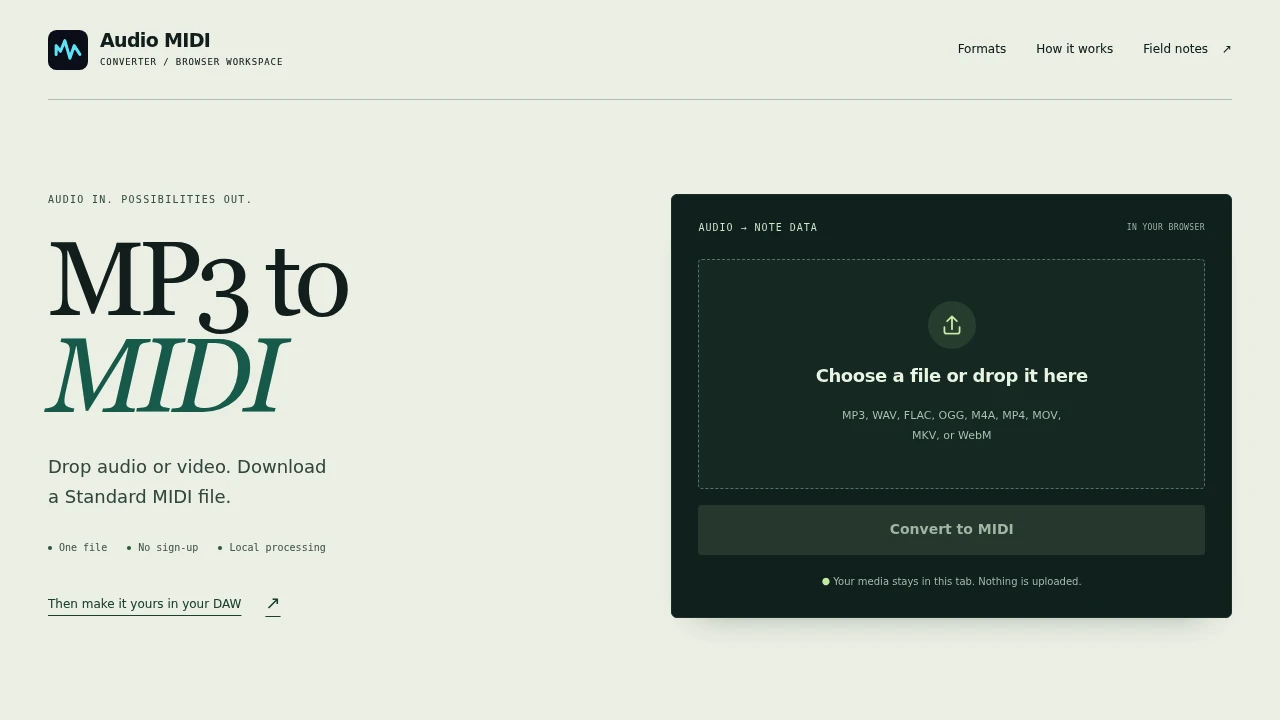
MP3 to MIDI is a free tool that converts audio into MIDI data right in your browser. It’s for anyone who needs to extract a musical part from a recording to use in a DAW or notation software. You don't need to install anything or create an account.
The entire process happens locally on your computer. You just drop an audio or video file onto the page, and it generates a Standard MIDI file for you to download. Because nothing is uploaded, your files stay private. It's simple.
The tool works by transcribing the notes it detects in your source file. It’s best for clear, monophonic audio like a solo vocal line, a single instrument melody, or an isolated stem. For these sources, it provides a solid starting point.
- Wide format support: It accepts common audio files like MP3, WAV, and FLAC, plus video files like MP4 and MOV.
- Standard MIDI output: The downloaded .mid file contains a single track of detected notes, including pitch, velocity, and duration.
- Instant access: There's no sign-up or installation required to use it.
Expect to do some editing after conversion. Dense mixes, drum parts, and audio with heavy reverb can produce extra or missing notes. The tool gives you the raw note data to shape yourself.

Similar to Audio MIDI Converter
 SparkReceipt — Every gig leaves a paper trail. Capture receipts on the road and keep your records tax-ready.


