5 Online Music Collaboration Tools for Better Sessions
Compare five online music collaboration tools for live rehearsals, focused feedback, and secure file sharing, then build a smoother remote music workflow today.

Written by Kevin Christensen
Online music collaboration is not one job. A live rehearsal needs low delay. A producer waiting on notes needs clear feedback. A band sharing versions needs one dependable home for files. Trying to force all three into one app often creates more friction than music.
This guide compares five options from the GetMusicTools Remote Collaboration category. Pick the workflow first, then choose the tool that removes the next obstacle for your session.

Jamulus enables real-time music collaboration online with low-latency sound, perfect for rehearsals and performances.
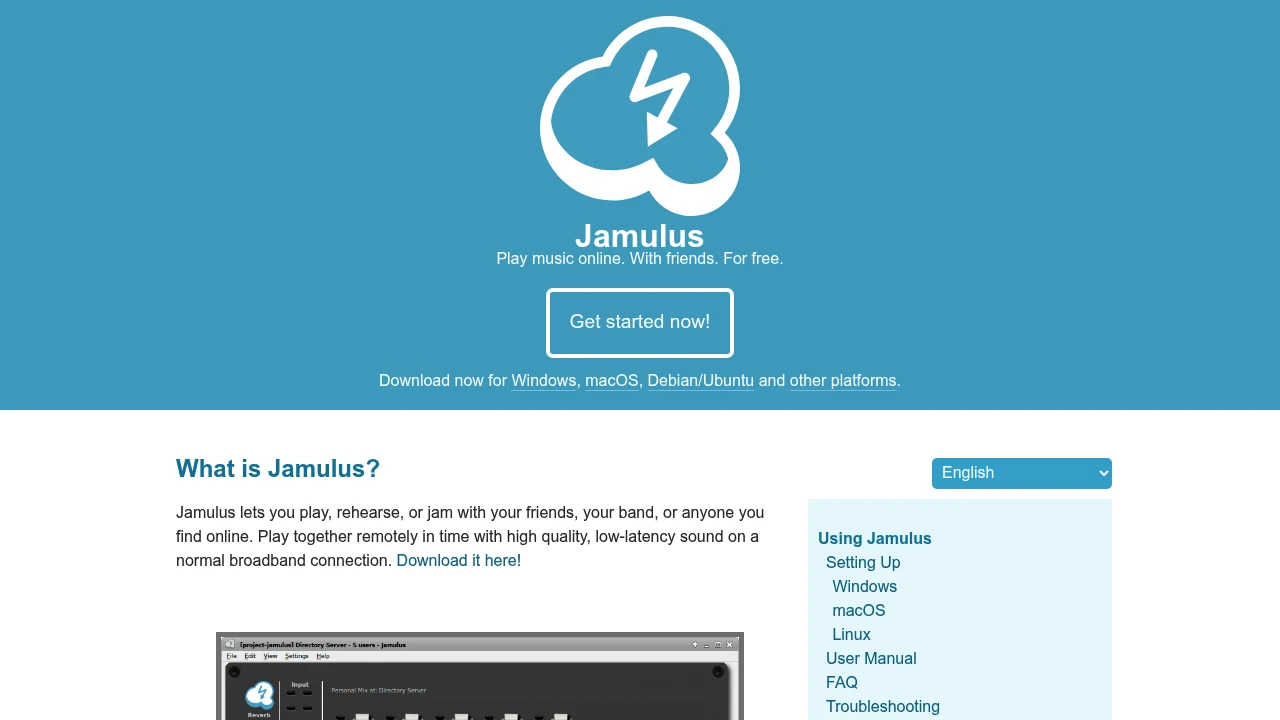
Jamulus is a free option for bands, choirs, teachers, and friends who want to play together online with low-latency audio.

Create, rehearse, and perform music online with studio-quality sound and low latency. Connect globally with ease.

JackTrip suits musicians and educators who need a virtual studio built around studio-quality, low-latency audio and video.

Stream low-latency, high-quality audio across devices. Multi-platform, open-source, and free.
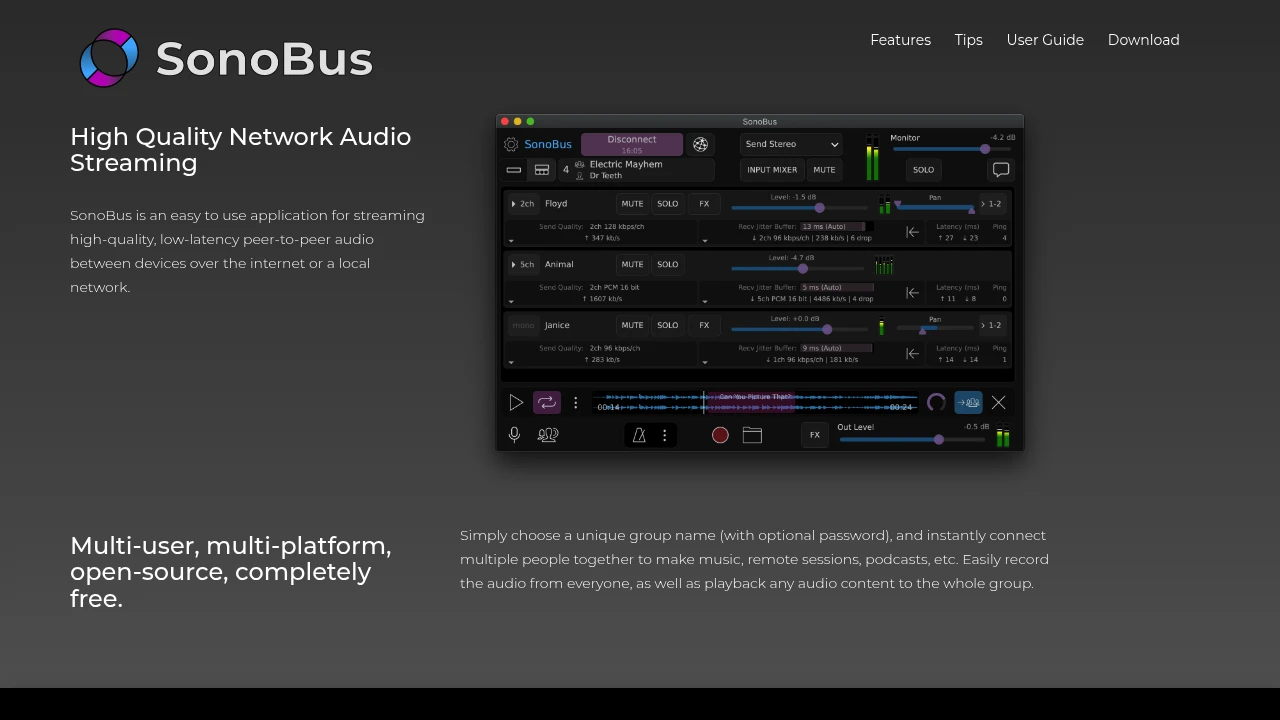
SonoBus is a free, open-source choice for multi-user audio sessions, remote recording, and playback to the whole group.

Manage, share, and refine audio effortlessly. Centralize feedback, streamline project management, and enhance collaboration.
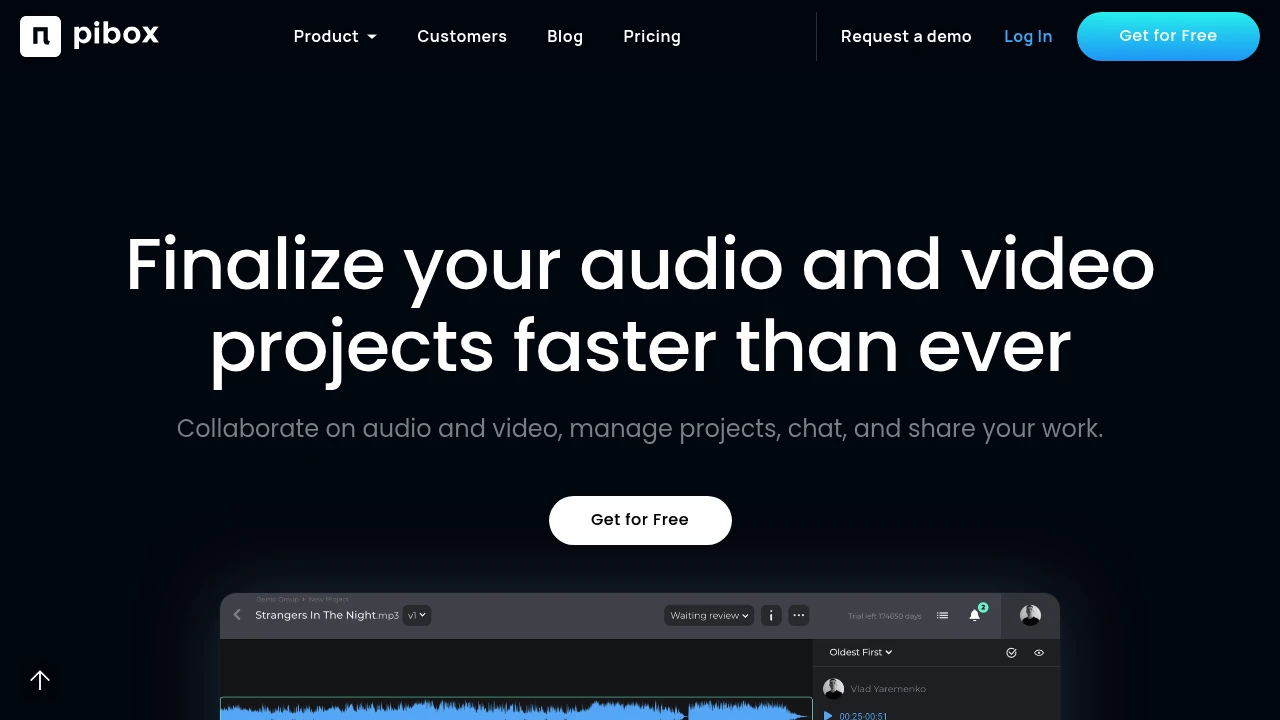
Pibox gives audio and video teams a shared production view for reviews, files, and project progress.

Upload, chat, and react in private spaces crafted for music lovers.
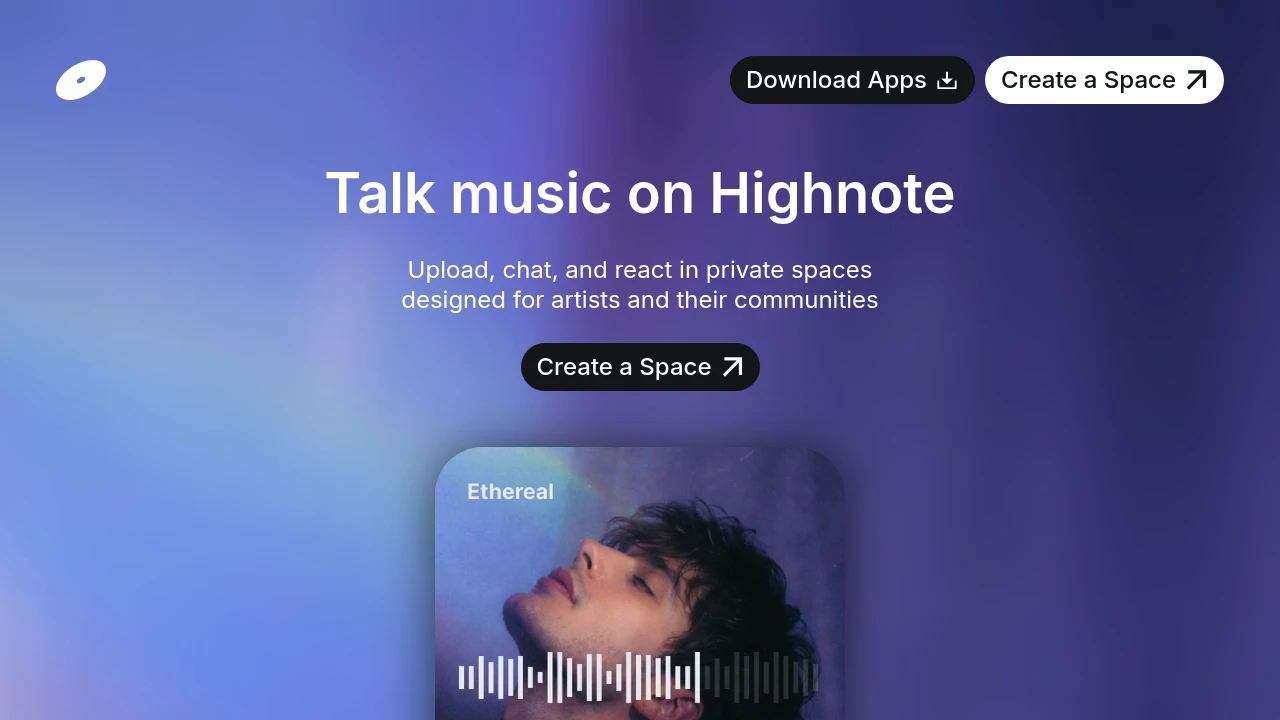
Highnote keeps stems, bounces, versions, and feedback in a shareable space with optional password protection.
Start with the collaboration problem
The best online music collaboration tool depends on what has to happen at the same moment. If players need to react to each other in time, ordinary video calls are usually the wrong starting point. If you are trading mixes across time zones, a low-latency jam room will not solve version confusion.
Use this simple split:
- Real-time playing: choose Jamulus, JackTrip, or SonoBus.
- Asynchronous review: choose Pibox or Highnote.
- A mixed project: use one live tool for rehearsals and one review space for decisions and files.
That distinction also keeps expectations realistic. Internet delay, audio interfaces, routing, and each player's connection affect whether a real-time session feels playable. Test the full setup before you schedule a rehearsal that matters.
Choose a live tool when timing matters
Jamulus describes its software as a way to play, rehearse, or jam remotely with high-quality, low-latency sound on a normal broadband connection. It is a practical first trial for a band or teacher who wants a no-cost route into remote playing. Give everyone the same short test piece and solve headphone, microphone, and level problems before trying a full set.
JackTrip is a different fit when you want a virtual-studio experience with video alongside low-latency audio. Its site says its Audio Bridge plugin supports lossless integration with DAWs and is available as VST and AU. That can make it useful when a producer needs to hear a player in context while they work.
SonoBus takes a flexible, open-source approach. Its official site says a group can connect under a unique name with an optional password, record everyone, and play content to the whole group. Use it for a focused writing session, a remote lesson, or a rehearsal where you want a simple room rather than a full project-management layer.
Make review notes specific and usable
Not every decision deserves a meeting. For mix feedback, rough arrangements, and approvals, the goal is to make the next action obvious. A message that says “make it warmer” can mean five different things to five different people.
Pibox positions itself as an all-in-one audio and video collaboration platform with a clear overview of the production process. Highnote focuses on organizing stems and bounces in folders, seeing versions, and linking relevant documents or reference playlists. Both can reduce the usual hunt through chat threads and attachment names.
Use a short review template: name the version, add a timestamp, describe the change you hear, and say whether the note is essential or optional. If a singer needs a new guide track, write that. If a guitarist is only choosing between two delay sounds, label the decision. The same disciplined feedback loop supports the recording-and-listening habit in How to Practice Music Effectively.
Build one shared session routine
Tools help most when the group agrees how to use them. Before each session, decide where files live, who owns the current version, and what “done” means for the next handoff. A five-minute setup note can prevent a week of duplicated exports.
For a remote rehearsal, send the arrangement, key, tempo, and section order ahead of time. For a production review, send one stereo reference plus stems only when someone actually needs to edit. Keep filenames predictable, such as SongName_2026-09-08_v03.
You can also reuse the same materials later. A well-labelled folder of final tracks, photos, credits, and approved copy makes an electronic press kit easier to assemble when a booking, release, or media opportunity arrives.
Test the weak link before a big session
A remote session is only as strong as the least prepared connection. Test with headphones, a wired connection where possible, and an audio interface or microphone setup that everyone understands. Close heavy downloads and avoid sending the same audio through speakers and a microphone at once.
Run a 15-minute technical call before the creative call. Ask each player to check input level, monitor level, and whether they can hear a count-in clearly. For live tools, start with a simple groove or repeated section rather than the most difficult song. For review tools, ask everyone to leave one timestamped note so the group learns the process.
The best workflow is the one your group repeats
Online music collaboration tools work best when they match the moment. Jamulus, JackTrip, and SonoBus are worth testing when musicians need to hear and respond to one another in real time. Pibox and Highnote make more sense when the work is reviewing takes, organizing versions, and turning vague opinions into useful notes.
Do not chase a perfect all-in-one system on day one. Start with the smallest workflow that solves a real problem: one rehearsal room, one shared folder, or one clear feedback thread. Then repeat it for a month. Notice where people lose time, which files get duplicated, and whether feedback turns into decisions.
The most reliable setup is often a pair of tools, not a single platform. Use a live room for performance and a review space for everything that does not need instant response. Write down the handoff between them, including who exports the current version and where the group gives final approval.
Finally, keep the human part of the session visible. Begin with a musical goal, leave space for a quick recap, and end with named next steps. Good tools make distance less disruptive, but they do not replace preparation, listening, or a shared idea of what the music should become. Choose one tool from the list, schedule a low-stakes test, and improve the workflow from what your group actually experiences.

 SparkReceipt — Every gig leaves a paper trail. Capture receipts on the road and keep your records tax-ready.